Transform Product Shots into Editorial Campaigns with AILifestyle • Models • Still Life • No Photo Studio Needed
The AI platform that integrates your real products into professionally generated visuals. Maximum control, zero technical complexity, expert manual retouching in 72h.
Create lifestyle, editorial, or model-based visuals by integrating your product shots into AI-generated scenes. Results indistinguishable from reality, 100% product fidelity guaranteed.
Create Your Visuals in 4 Steps
Simple. Fast. Professional.
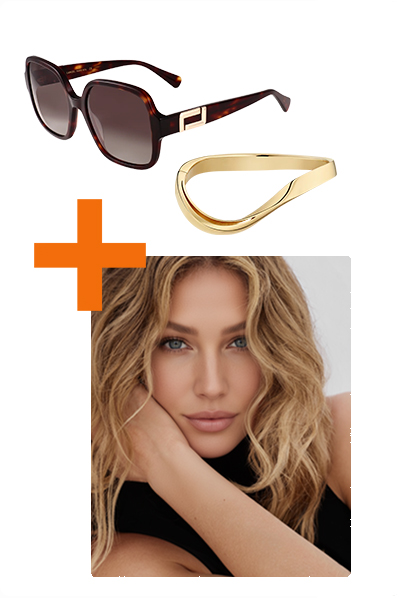
Upload Your Images
Product shot + brief, no templates, create freely
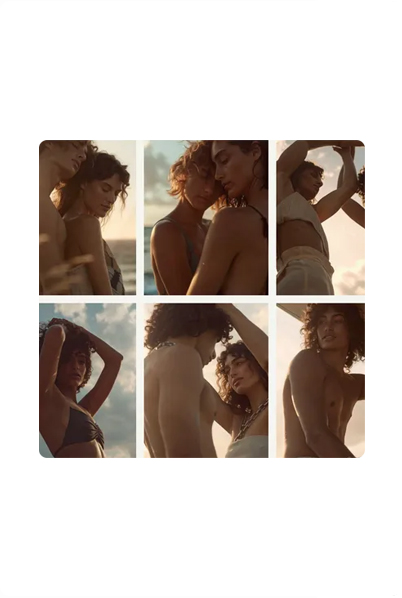
Choose or Create Your Style
Pick from 100+ pro styles or create your unique visual identity
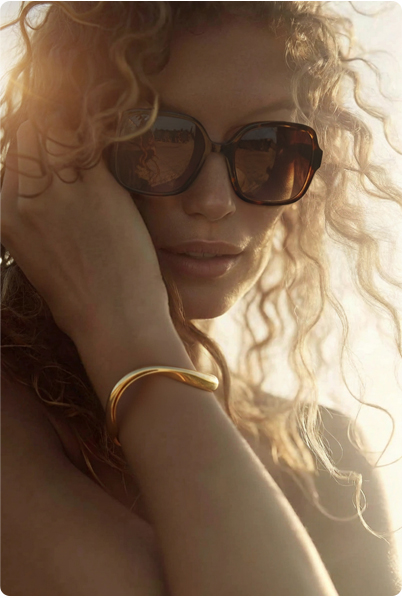
Validate and Let the Magic Happen
Our experts can retouch and finalize your creations
Turn Visuals into Videos
Create dynamic content for social media with one click
Integrate Real Products into Generated Visuals
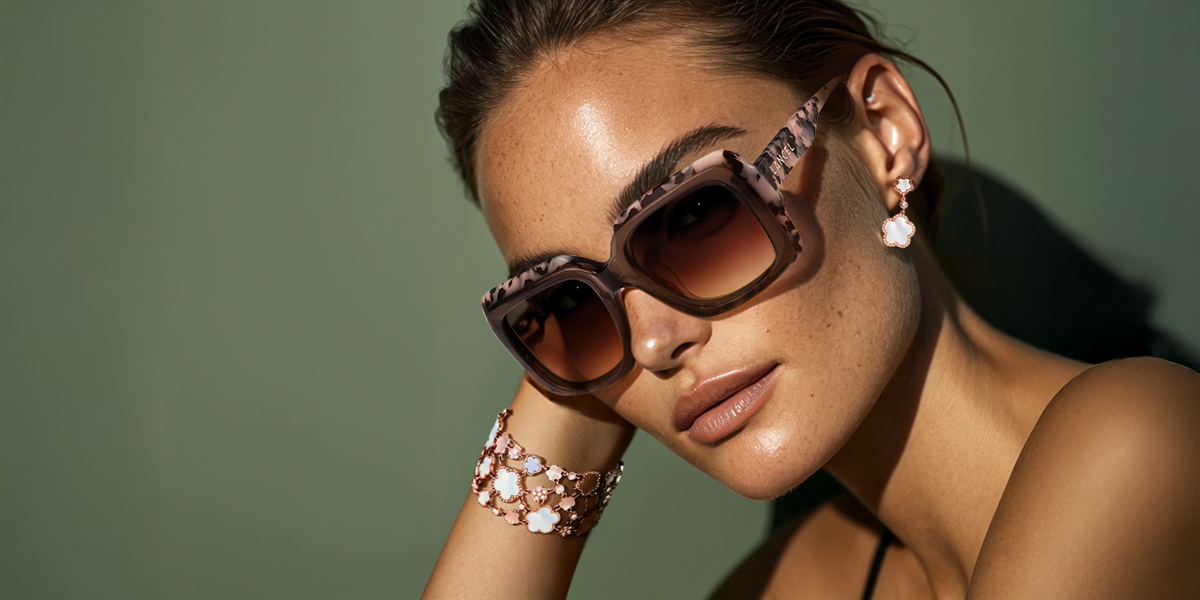
Create high-quality visuals by integrating your real products into AI-generated environments—from clean packshots to lifestyle scenes
"It's incredible, I can create my visuals at will, the quality is top-notch, nothing to complain about—you have a perfect solution!"
"I didn't have the budget for real photo productions. BlendAI brings us the solution on a silver platter. Congratulations, your solution has greatly im..."
"Excellent AI tool! A real asset for creating inspiring content and showcasing our frames on social media."
"Simple, fast, and super effective—a real time-saver day to day."
Why Choose BlendAI?
Real benefits to transform your visual production
Full Creative Control
100+ professional styles or custom creation. Adapt every visual to your unique brand identity.
Speed & Flexibility
72h max for professional retouching. Access your creations anytime—no scheduling hassles.
Zero AI Knowledge Required
No prompts needed—just upload your images and BlendAI handles the rest.
Built for Creatives
At brands, agencies, and in production
Transparent Pricing
Choose the plan that fits your needs. No commitment—cancel anytime.
Growth
- ✓30 credits per month ($5.3/credit)
- ✓60 photo generations or 100 videos
- ✓✨ Custom styles
- ✓✨ Pro 1080p videos
- ✓Personalized creative audit
- ✓Dedicated support
- ✓6-month rollover credits
Trusted by 100+ Brands


Use Cases by Industry
BlendAI adapts to your industry specifics. Discover how to create professional visuals for jewelry, eyewear, leather goods, and more.
Jewelry
From white background packshots to lifestyle model shoots. Showcase details and multiple contexts.
- ✓Detail fidelity (stones, settings)
- ✓Multiple contexts (worn, still life)
- ✓Retouching (1-10cr depending on complexity)
Eyewear
Glasses packshot → Realistic model wearing. Automatic face morphology adaptation.
- ✓High-quality AI-generated model
- ✓Guaranteed frame fidelity
- ✓Retouching (1-10cr depending on complexity)
Leather Goods
Bag packshot → Various lifestyle contexts (street, café, travel). Leather texture staging.
- ✓Multiple lifestyle settings
- ✓Leather texture/material adaptation
- ✓Retouching (1-10cr depending on complexity)
Frequently Asked Questions About BlendAI
Everything you need to know about our solution
Getting Started with BlendAI
Features
Quality & Security
Pricing & Plans
Our Resources
Guides, tips, and use cases to master AI product visual creation
How It Works
Complete guide to BlendAI process: from packshot to lifestyle shoot in 3 steps. Quick Mode vs Batch Mode workflows, AI vs studio comparisons, technical FAQ.
Technical Glossary
70+ defined terms: packshot, blend, Quick Mode, Batch Mode, Recraft, Banana and more. Complete AI vocabulary reference.
Blog & Tips
Practical guides, AI comparisons, traditional photo shoot alternatives, industry use cases. Everything to master AI product visuals.
Get Started Today
Free credits included • Instant access • Expert support